
At the City of Rexburg, we are committed to ensuring our digital services and resources are welcoming and accessible to every member of our community.
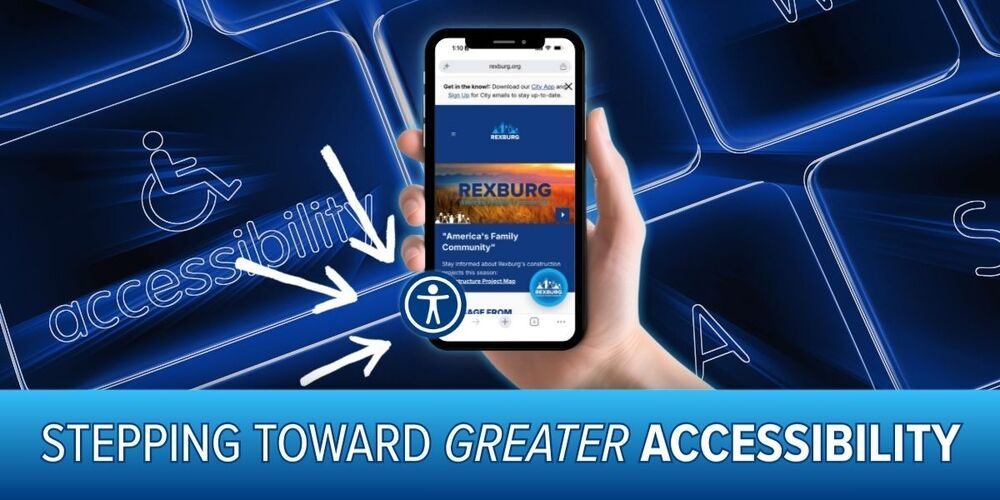
Finding City information and accessing online services should be as easy as possible for every member of our community. That’s why the City of Rexburg has added a new accessibility tool to Rexburg.org.
Visitors will now see a blue accessibility icon in the bottom-left corner of each page. Selecting the icon opens a menu of tools that allow visitors to personalize how information is displayed and experienced across the website.
Depending on individual needs or preferences, visitors can use the menu to:
Easily resize or adjust text for improved readability.
Switch between visual contrast modes to reduce eye strain or improve visibility.
Use built-in reading guides to help navigate information clearly.
In addition to these visitor tools, intelligent background updates work behind the scenes to fix common digital barriers—such as improving image descriptions and color contrast—so our content remains clear and easy to navigate for everyone.
Adding this tool is part of the City’s ongoing effort to make public information and services easier to reach. While one feature cannot address every accessibility need, this small blue button provides more people with greater control over how they experience Rexburg.org.
To try the new accessibility tools, visit Rexburg.org and select the blue accessibility icon in the bottom-left corner of the screen.
If you experience difficulty finding information or using a service on our website, please contact us at customerservices@rexburg.org or call us at 208-359-3020. We’re here to help! Your feedback can help us continue improving the experience for everyone.